You can set a frequency for a DataMesh config or run it right away.
Run the DataMesh config
You need Viewer permissions or higher on any source sheet and Admin permissions or higher on any target sheet to create a DataMesh.
After you create a DataMesh config, it’s ready to run.
If you’ve set an execution frequency, the DataMesh runs at the next scheduled run time.
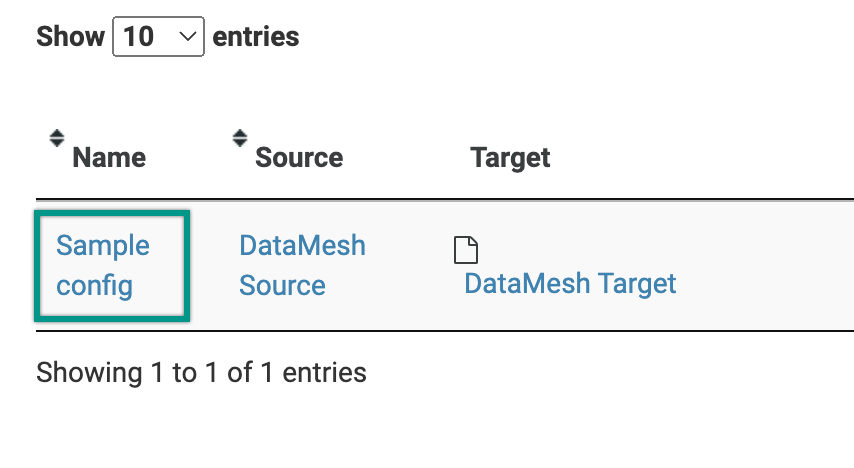
If you’d like the config to run right away, select the name of the config from the main page.
Step 1: Details
Confirm that the options are correct, then select the Run button.
Step 2: Preview
Preview what populates on the Target sheet. You can also see details about the following:
- Total Rows Affected
- Total Rows Unaffected
- Total Duplicates in Source
- Total Rows Not Matched
If everything is in order, select the Submit button.
Step 3: Confirm
Here you see the resulting summary for each target sheet.
Select Close. You see the new meshed data in your target sheet. You may need to refresh the sheet to see the changes.