Use table view to manage projects, tasks, and data efficiently in a modern grid experience.
USM Content
Switching views in Smartsheet doesn't affect your underlying sheet data. Views only change how your sheet displays data, formulas, and automations.

Why table view?
Table view allows you to manage large and complex workflows, collaborate in real time, and maintain performance while changes get autosaved. AI features let you ask questions about your sheet in plain language.
Table view evolves weekly. Stay tuned for updates and enhancements, release notes, and Smartsheet community posts.
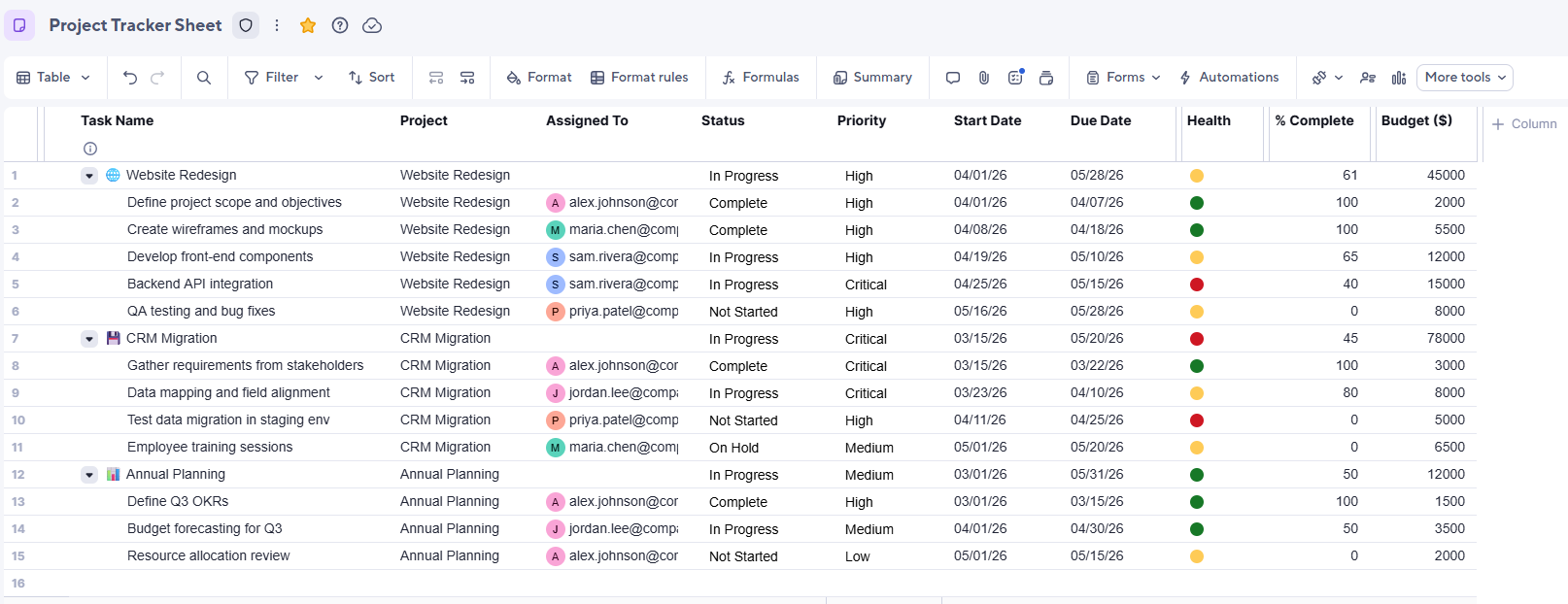
Manage large and complex workflows: Search, sort, and bring data from other sheets without using formulas with column links. Learn more about Large-scale sheets in table view.
Collaborate in real time: Table view automatically saves every change and reflects edits from all collaborators in real time.
Maintain performance: Table view supports unlimited bulk column deletion and bulk select/edit across rows. You can also paste up to 1,000 rows at once.
Built-in AI: Smart Columns automatically summarize text, detect sentiment, and translate content.
Refer to Work with your data in table view for more information on data handling, sorting, and search.
Table view FAQ
Will I lose any data, automations, or formulas if I switch to table view?
No. Switching views doesn't change your underlying sheet data. Your data, formulas, and automations stay exactly the same.
Can I switch back to other views if I need to?
Yes. You can switch views at any time without affecting your data.
Do I need a different plan to use table view?
No. Table view is included in all of Smartsheet’s plans. Refer to Smartsheet Pricing for more information.
How do I know my work is saved successfully?
Table view saves your changes automatically in real time. There's no manual save step. The autosave indicator next to the sheet name displays a check mark confirming that your changes are saved.
Does sorting or filtering in table view change what my teammates see?
No. You can apply multiple sorts and filters at once without affecting what other collaborators see.
How can I publish a sheet in table view?
Table view replaces publishing with link sharing, which lets you designate who can access your sheet and their permission level. Sheets you had published in grid view stay in grid view.
Can I delete columns in bulk in table view?
Yes. In table view, you can bulk-delete an unlimited number of columns. You can also paste up to 1,000 rows at once.