Learn how to edit documents after they are exported.
USM Content
When you export a document, you can modify it at any time. You can edit and export a document as many times as needed.
You can open the document on the projects screen by selecting the document, then you can start making the changes, and exporting.
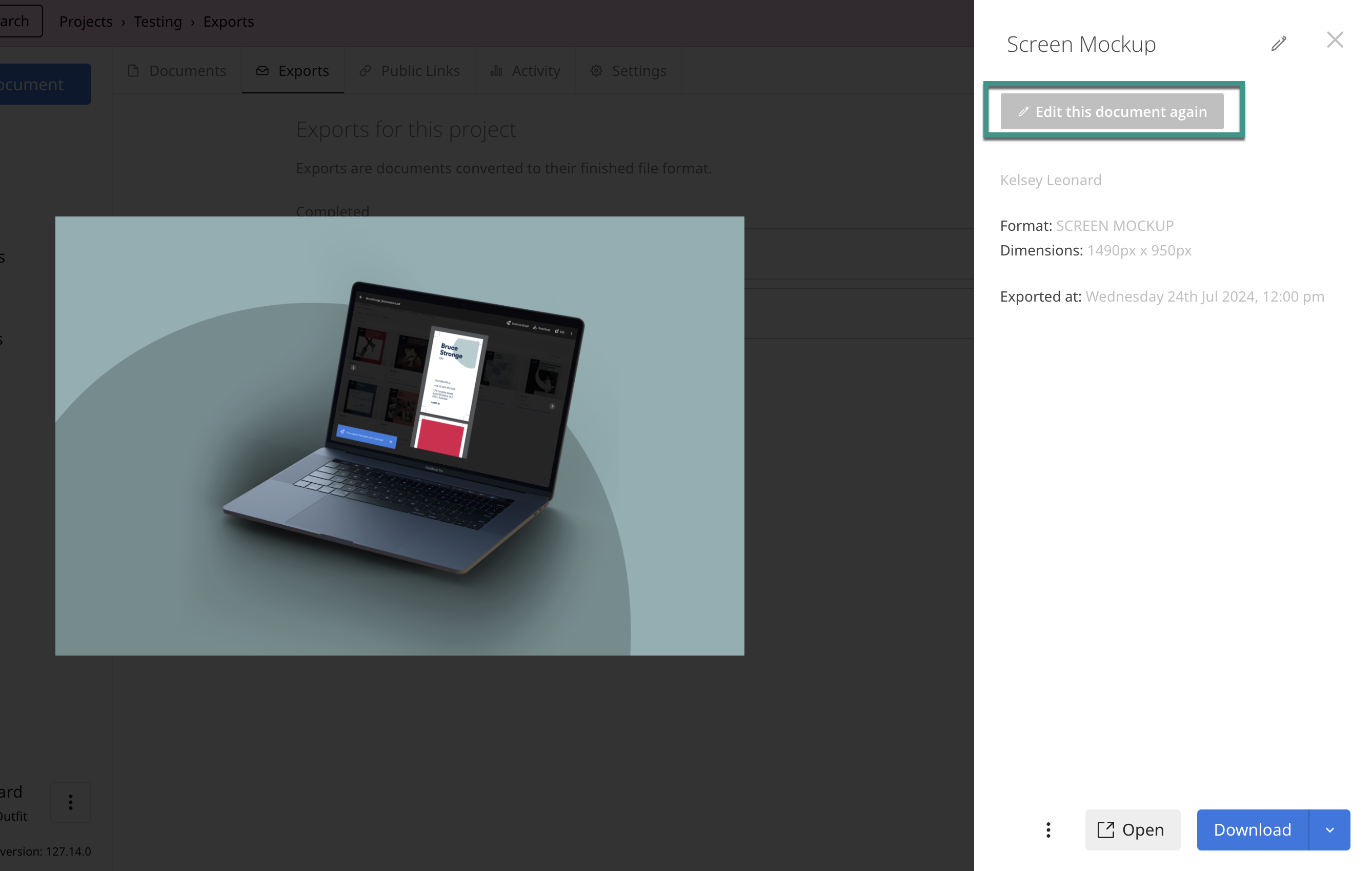
Or, if you have just exported the document and realized you want to make a change, you can select to re-edit the document from the export preview screen by choosing Edit this document again. This takes you back to the edit screen and lets you resume editing the document. There is no limit on how many times you can re-edit a document.
If your document previously went through an approval process, you need to repeat this process if you make any changes to the document. To learn more about approvals, check out the Requesting Approval of a Document knowledge base article.