You have several options for uploading in Brandfolder.
- Open the section you want to upload asset(s) to.
Drag files individually or in bulk to the uploader box.
Brandfolder Image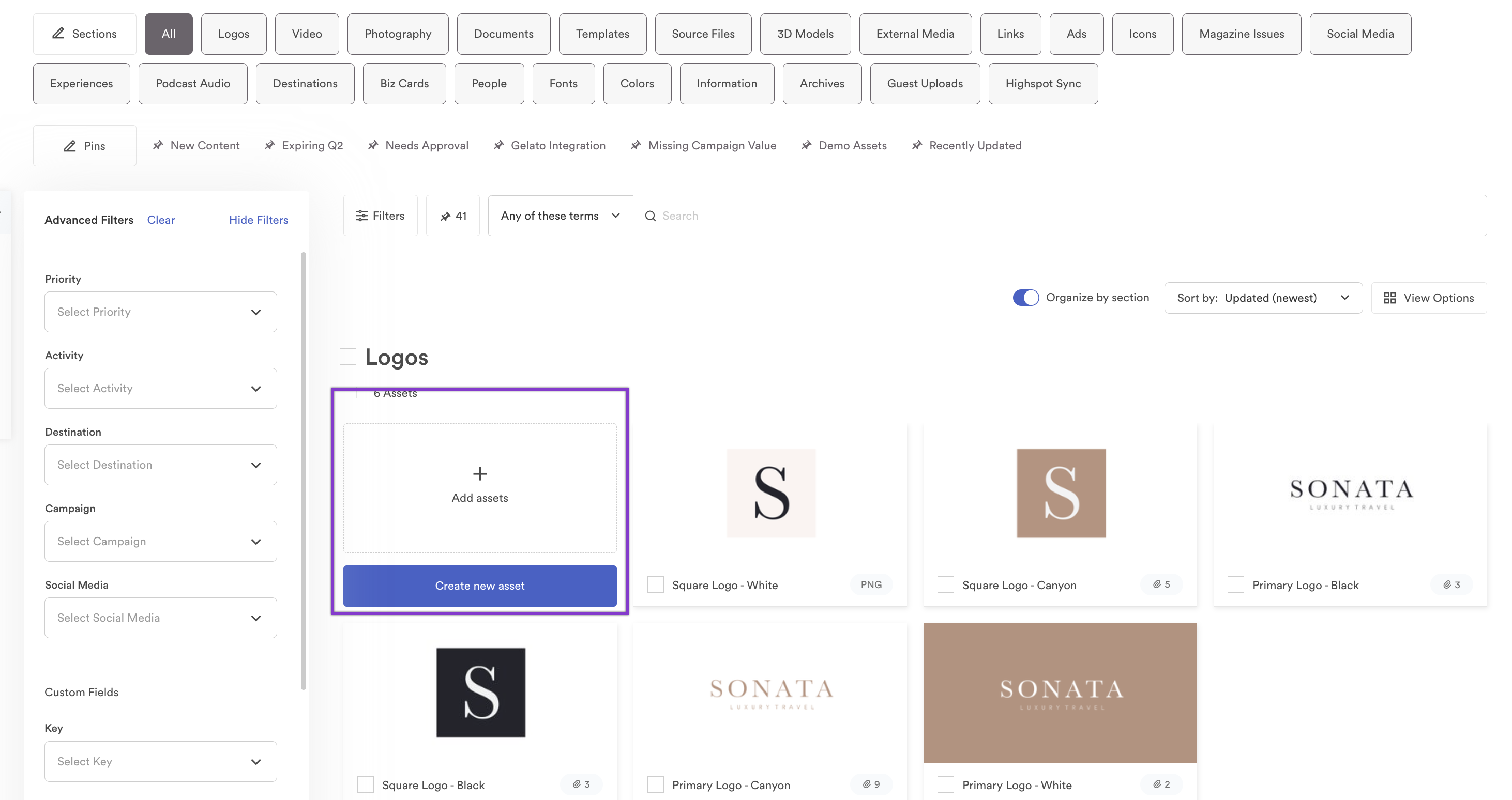
- If your organization has required custom fields, fill those out.
You can add more assets to the upload from anywhere listed on the left-hand side of the uploader: Dropbox, Box, Google Drive, Link, or an FTP.
Brandfolder Image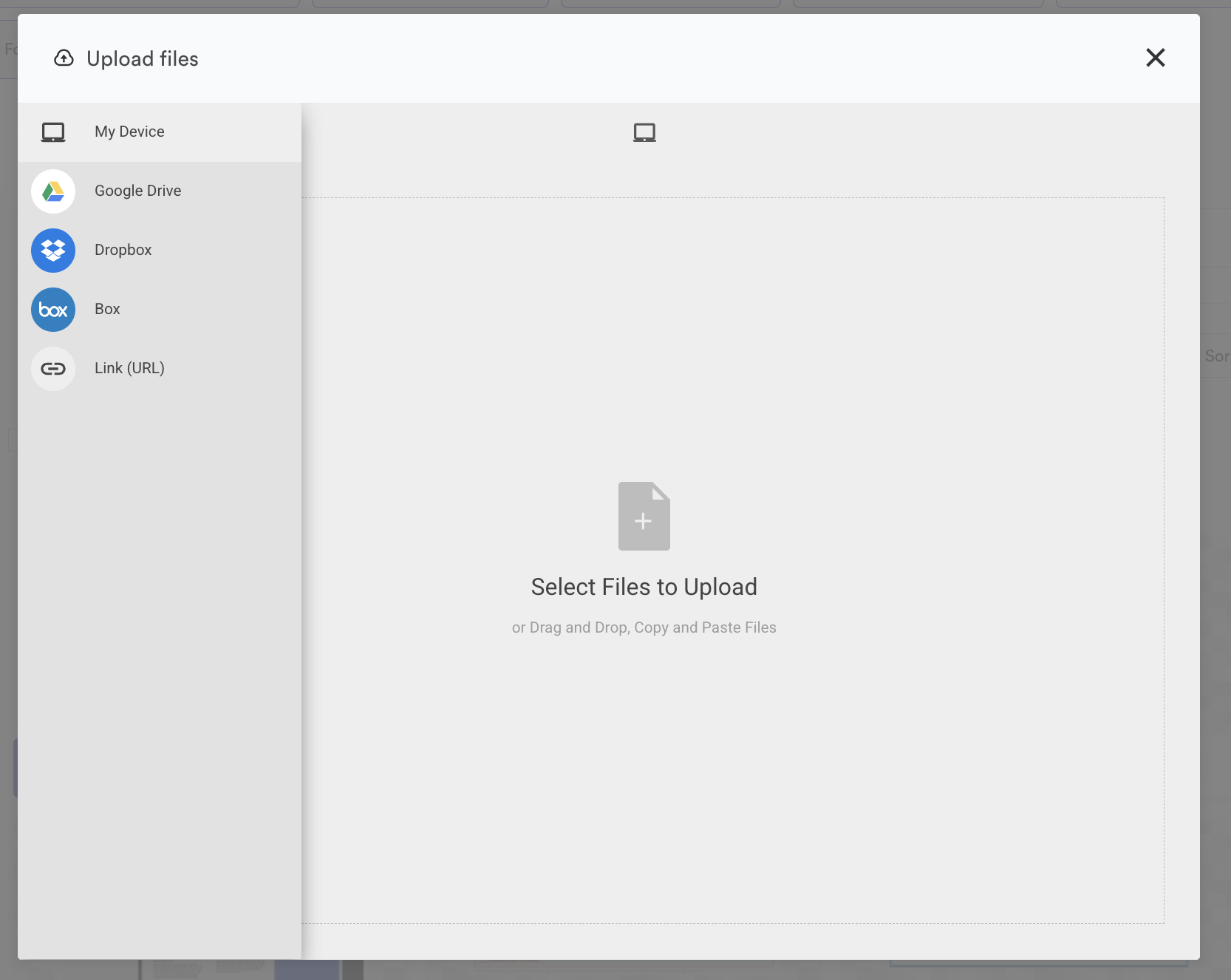
- Select Upload.
After you upload assets, notice that the asset is automatically selected. Be careful to keep or remove the selection before adding labels, tags, custom fields, and more.