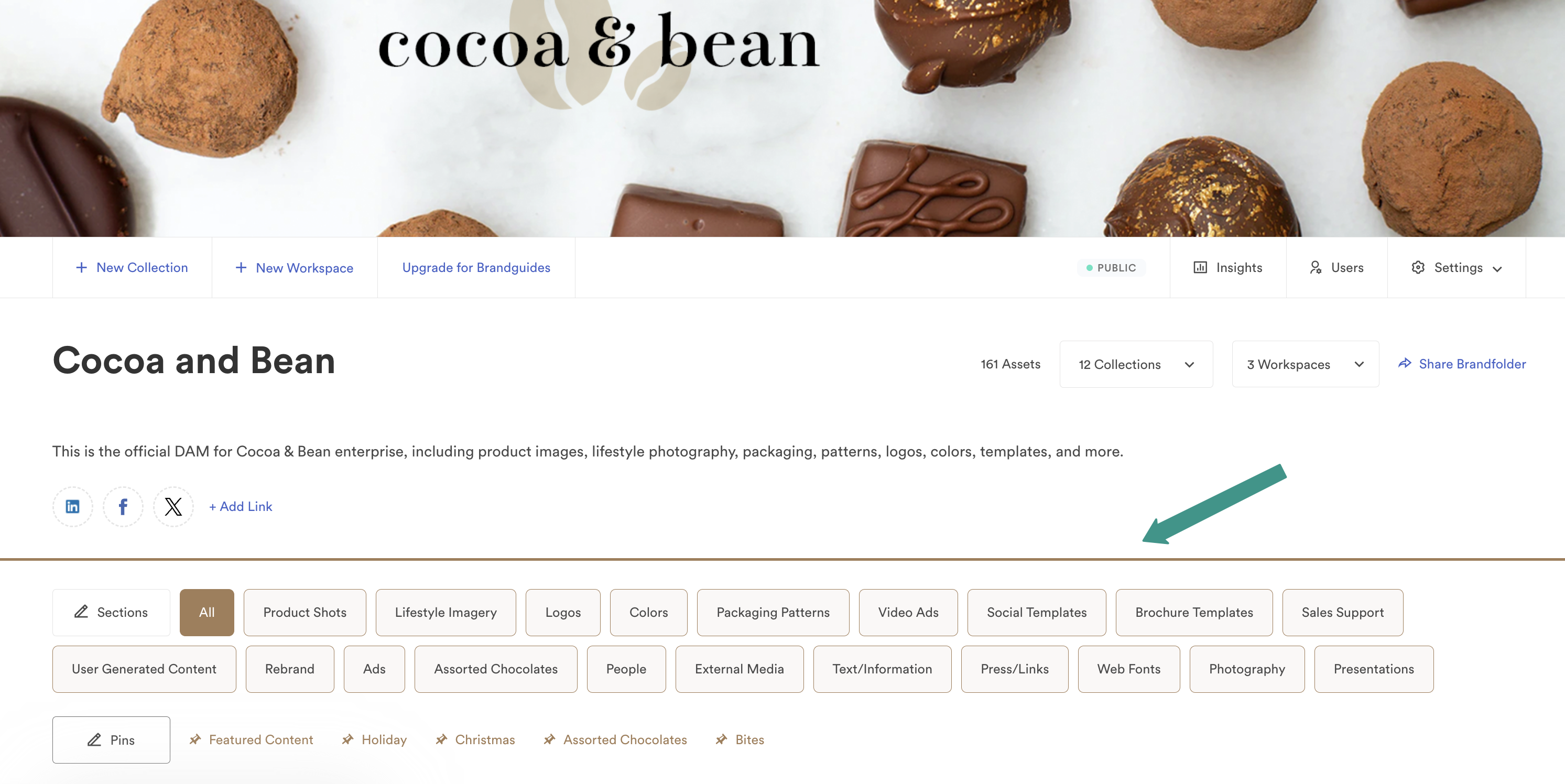
The color bar is the horizontal divider between your brand's links and the section titles. You can modify the default color of the color bar in your Brandfolder.
If you have a brand color set, that color defaults to the color bar and section titles. To set a brand color, Owners and Admins can
- Select Settings > General Settings
- On the Customize page, enter the hex code in the Brand color (Hex code) box.
If you do not have a brand color set, then the first color in your Colors section is used. If you have multiple colors, the first two colors in your Colors section display as a left-to-right gradient color bar. Collaborators can add colors to the Colors section in your Brandfolder.
Brandfolder Image