If you try to access your account but get a message saying your account is suspended, this article is for you.
If you can't access your account and suspect it's suspended, you may see a pop-up message similar to the one below. The message includes the reason you can't access your account.
Brandfolder Image
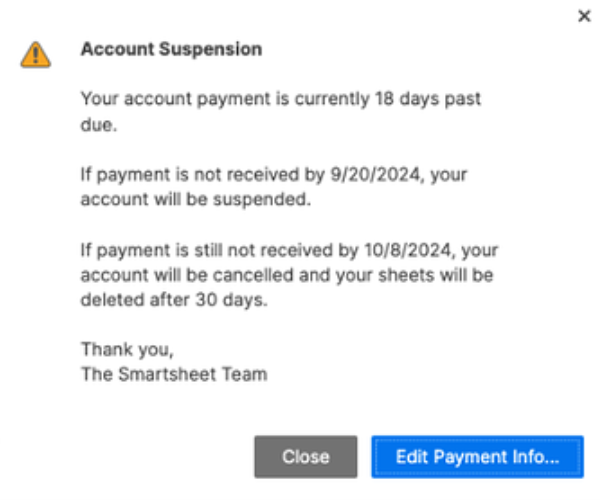
If you haven't seen this pop-up but are still unable to access your account, you may have accidentally closed it when it appeared. In this case, try clearing your browsing history and cookies for your current browser or logging in using a different browser to view the pop-up message.
Possible reasons and what to do
- Overdue billing: Contact us by filling out the Get Help with a Billing or Account Request form.
- Overdue invoice: Contact us by filling out the Get Help with a Billing or Account Request form.
- Credit card payment failure: Update your payment information in the Smartsheet application.
- Security issues: Visit the Security page in the Trust Center.


