Now that you built a project sheet, WBS, RAID log, etc. you can use dashboards to provide real-time insights on your project.
Smartsheet Dashboards
Overview
Dashboards are the visual layer of your work in Smartsheet. They begin as a blank canvas but take shape as you add interactive widgets, the building blocks of a dashboard.
They help you summarize and share important aspects, such as project status or key performance indicators (KPIs), with stakeholders in a single place. They also help you stay organized by providing a central location for commonly used resources, like documents, links to frequently visited websites, and collections of sheets or reports.
You can create a new dashboard or use one of our pre-built template sets to get started. Once you've created a dashboard, you can always make changes to it later. Learn how to Create and edit a Smartsheet dashboard.
A dashboard also allows you to share information from reports with people who may not otherwise have access. As the dashboard creator, you can control this. For more information about how to configure widgets that pull data from reports, see Control Widget Content When Source Is From a Report.
View a Dashboard
Dashboards can be viewed from your computer or from an iOS or Android device.
To view a dashboard in full-screen mode, select the Presentation button in the upper-right corner of the dashboard.
Zoom in or out in a dashboard
To zoom in or out in View and Edit modes, select the drop-down menu.
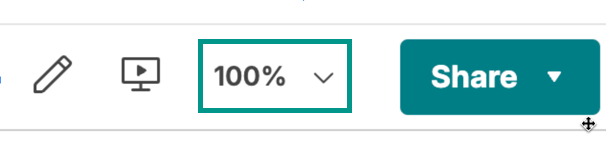
Keep the following in mind:
- Zoom remains the same if your browser window size has changed.
- You can use keyboard shortcuts to zoom in and zoom out.
- This feature is only available for wider canvas dashboards.
Dashboard permission levels
The following table shows what each permission level allows a collaborator on a dashboard to do.
Viewer | Admin | Owner | |
|---|---|---|---|
| View the dashboard contents | Viewer Included | Admin Included | Owner Included |
| Edit the dashboard * | Viewer Not Included | Admin Included | Owner Included |
| Share the dashboard | Viewer Not Included | Admin Included | Owner Included |
| Publish the dashboard * | Viewer Not Included | Admin Included | Owner Included |
| View Activity Log * | Viewer Not Included | Admin Included | Owner Included |
| Rename, delete, or undelete the dashboard * | Viewer Not Included | Admin Included | Owner Included |
* You must be a paid Smartsheet plan user to use this feature.